
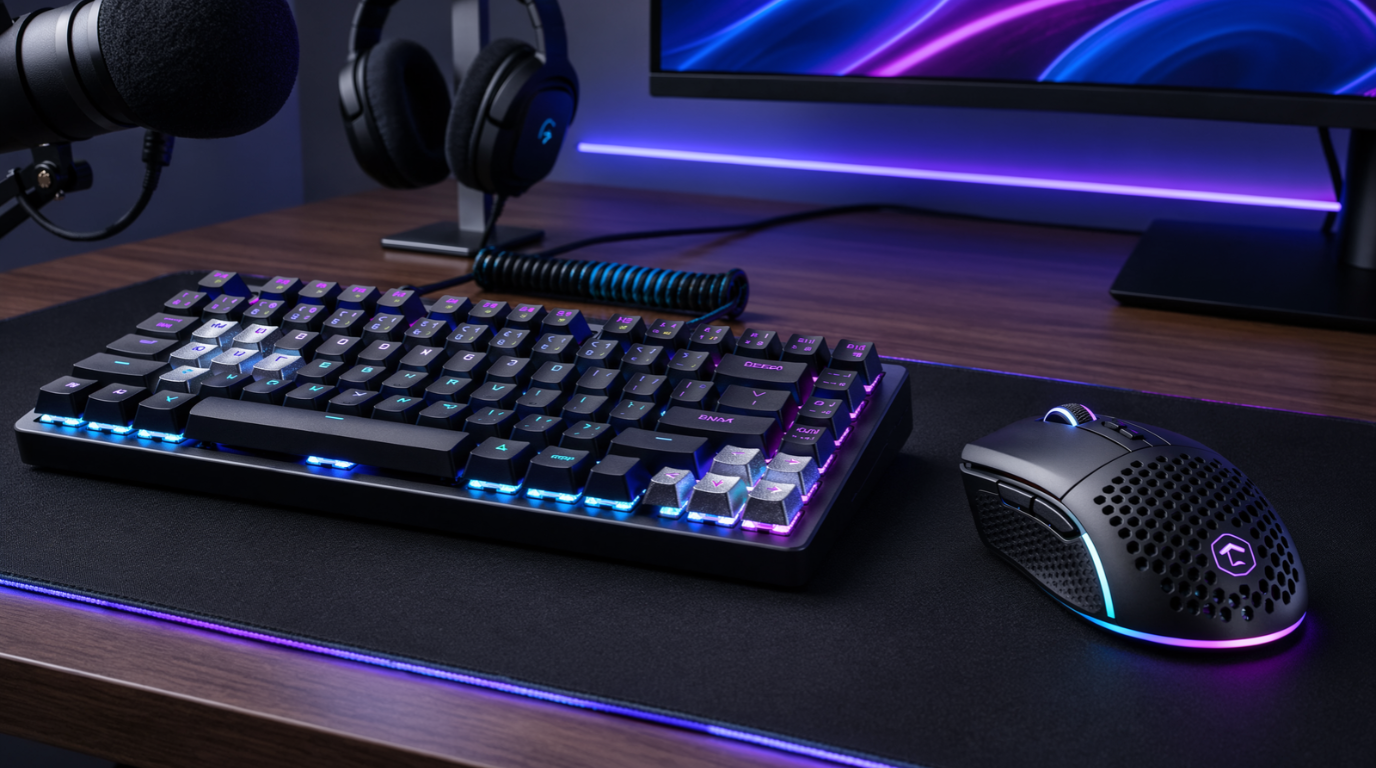
A gaming keyboard and mouse can change how comfortable, responsive, and organized your PC setup feels. The right pair depends on your games, desk size, hand shape, and preferred controls. Instead of choosing by RGB lighting alone, focus on features that affect daily use. Choose the keyboard by layout, switch feel, and desk space. Choose the mouse by shape, grip, weight, and button needs. Competitive players often gain more from mouse fit and aiming space than from extra keyboard features.
Quick Buying Guide
| Feature | What to Look For | Why It Matters |
|---|---|---|
| Keyboard layout | Full-size, TKL, 75%, 65%, or 60% | Controls desk space and available keys |
| Switch type | Membrane, mechanical, or magnetic | Changes feel, sound, and response |
| Mouse shape | Palm, claw, or fingertip friendly | Affects comfort and control |
| Mouse weight | Light, medium, or adjustable | Changes aiming feel and movement |
| Connection | Wired, 2.4 GHz wireless, Bluetooth | Affects cable management and convenience |
| Extra controls | Macros, media keys, side buttons | Helps with certain games and workflows |
| Software | Remapping, DPI, lighting, profiles | Makes customization easier |
| Budget | Combo bundle or separate components | Determines flexibility and upgrade options |
Key Takeaways
* Choose mouse shape before chasing extreme DPI numbers. * Compact keyboards create more room for wide mouse movements. * Full-size boards suit players who use a number pad often. * Wired setups are simple and avoid battery management. * Wireless gear can reduce cable clutter when designed for gaming. * Bundles are convenient, but separate components provide more choice. * Mechanical switches are optional rather than mandatory for gaming.
How to Choose a Gaming Keyboard and Mouse
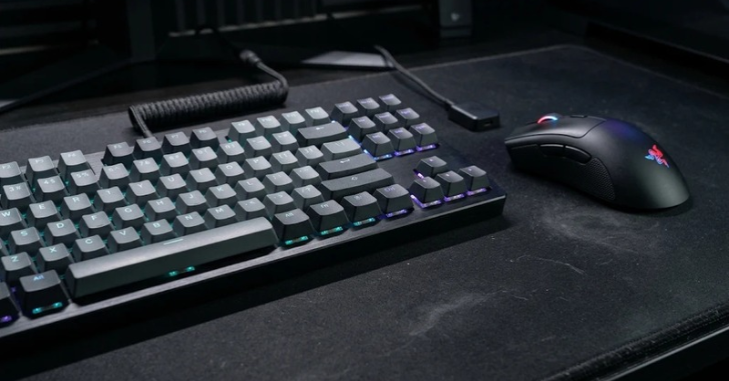
Gaming Keyboard and Mouse with your games before comparing technical specifications. Fast shooters benefit from generous mouse space and comfortable aiming control. Strategy games, MMOs, and productivity tasks may benefit from more keys and programmable buttons. Your physical setup matters equally. A large full-size keyboard can crowd a narrow desk and restrict mouse movement. A smaller layout may feel better when you use low mouse sensitivity. Hand comfort should guide the mouse choice. A shape that matches your grip can matter more than maximum sensor specifications. Your keyboard should also feel comfortable during long typing and gaming sessions.
1. Pick the Right Keyboard Layout
Full-size keyboards include a number pad, function row, navigation cluster, and arrow keys. They suit players who also handle spreadsheets, editing, or office work. Their main drawback is the amount of horizontal desk space they consume. Tenkeyless keyboards remove the number pad while keeping most familiar controls. This creates more room between your keyboard and mouse. It can also help keep your shoulders in a more natural position. Smaller 75%, 65%, and 60% layouts save even more desk space. They may place some commands behind shortcuts or function layers. Choose one only if you are comfortable losing dedicated keys.
2. Understand Keyboard Switch Options
Membrane keyboards use a softer key mechanism and often cost less. They can also operate quietly compared with many mechanical designs. They are suitable for casual gaming, shared rooms, and budget-focused setups. Mechanical keyboards use individual switches beneath the keys. Different switch designs can feel light, tactile, smooth, or clicky. The right choice depends more on preference than gaming skill. Magnetic or Hall effect boards add adjustable actuation on supported models. These keyboards appeal to enthusiasts who want deeper control over key behavior. They usually cost more than basic membrane or mechanical options.
3. Choose a Mouse That Fits Your Hand
Mouse shape should be one of your first filters. Palm-grip users often prefer fuller bodies that support more of the hand. Claw and fingertip users may prefer shorter or lighter shapes. Weight also changes how a mouse feels during quick movements. Lightweight designs are popular for shooters because they require less effort to move. Heavier designs can feel controlled and stable for slower movements. Extra buttons become more valuable in games with many commands. MMO players may appreciate several thumb buttons for abilities and shortcuts. Shooter players usually need fewer buttons and may prioritize shape instead.
4. Compare Wired and Wireless Connections
Wired peripherals remain simple because they receive power through their cables. You do not need to monitor battery levels or charge them. They can also cost less than comparable wireless models. Modern gaming wireless products commonly use dedicated 2.4 GHz connections. These systems are designed for responsive PC use rather than basic office convenience. Bluetooth can still be useful for secondary devices or casual use. If you also play on a console, this guide to connecting devices to your PS5 USB ports shows how wired accessories plug in. Wireless setups also reduce visible cables across your desk. That can make large mouse movements easier without cable drag. You must still account for charging schedules or replacement batteries.
5. Decide Between a Bundle and Separate Components
A boxed bundle provides both devices in one purchase. That approach is convenient for a first PC setup or a fixed budget. Matching designs and lighting can also make the desk look more coordinated. Buying separately gives you more control over each component. You can choose a compact keyboard and pair it with a mouse that matches your hand. This route works better when you already know your preferences.
| Setup Type | Main Advantages | Main Drawbacks | Good Fit For |
|---|---|---|---|
| Boxed bundle | Simple purchase, matching design, lower entry cost | Less choice for mouse shape and switches | New setups and gifts |
| Separate wired pair | Wide choice, easy power management | More cables on the desk | Value-focused PC players |
| Separate wireless pair | Clean desk, flexible positioning | Higher cost and charging needs | Cable-conscious setups |
| Compact keyboard pair | More aiming space | Fewer dedicated keys | FPS and smaller desks |
Pros and Cons of a Boxed Combo
Pros
* One purchase covers both essential input devices. * Matching lighting and styling are common. * Entry pricing can be easier to manage. * Setup is usually straightforward.
Cons
* The included mouse may not fit every hand. * Keyboard switch options can be limited. * Upgrading one component can break the matching look. * Premium players may want more specialized hardware.
Pros and Cons of Buying Separately
Pros
* You can match each device to your preferences. * Mouse shape selection becomes much easier. * You can mix different brands and feature sets. * Future upgrades can happen one component at a time.
Cons
* Total cost can rise quickly. * Matching software may require separate applications. * Shopping requires more research. * Designs and lighting may not coordinate perfectly.
6. Focus on Useful Features Before RGB
RGB lighting can improve visibility and personalize a setup. It should not replace attention to comfort, layout, or controls. Lighting matters most when you enjoy customization or use your PC in darker rooms. Keyboard features deserve practical evaluation. Consider media controls, programmable keys, key rollover, and removable cables where relevant. You should also check whether software is required for remapping and profiles. For the mouse, look at shape, button placement, weight, and adjustable sensitivity. Extreme DPI figures are rarely useful by themselves. A comfortable shape with predictable control is usually more meaningful.
7. Match Your Setup to the Games You Play
Competitive shooter players often benefit from a compact keyboard and generous mouse area. A lighter mouse may also suit frequent sweeping movements. Keep unnecessary desk objects away from the main aiming zone. MMO and strategy players may prefer more available controls. A full-size keyboard can retain familiar keys and shortcuts. A mouse with additional side buttons can place repeated commands under your thumb. Players who mix gaming with work should prioritize versatility. A TKL or 75% board can balance desk space with practical keys. A comfortable mouse with a few programmable buttons can support both activities.
What Should You Spend?
Entry-level setups should prioritize dependable basics instead of feature counts. A comfortable mouse and functional keyboard can cover casual gaming without expensive extras. Spend more only when you understand which upgrade solves a specific problem. Midrange buyers can consider mechanical switches, better construction, wireless connections, or improved software support. These upgrades often improve convenience and personal fit. They do not automatically improve player skill. Premium hardware makes sense for specific preferences. Adjustable actuation, lighter materials, advanced profiles, and specialized shapes can add value for enthusiasts. Paying more without a clear need can produce little practical benefit.
Recommendation and Verdict
For most PC players, buying the two components separately offers the strongest long-term flexibility. Choose the mouse first based on hand comfort, grip, and game style. Then select a keyboard layout that leaves enough room for comfortable movement. A boxed combo still makes sense for beginners, gifts, and strict budgets. It keeps the buying process simple and provides a coordinated starting point. You can replace either component later as your preferences become clearer. If you play shooters, favor mouse space and fit before extra keyboard controls. If you play MMOs or strategy games, extra keys and mouse buttons may deserve more attention. Your best setup is the one that supports the way you play.
Build Your Setup Around Comfort First
A gaming keyboard and mouse purchase works best when you start with physical fit rather than flashy specifications. Measure your available desk space, consider your game library, and decide which controls you use regularly. These simple checks can eliminate unsuitable options quickly. Choose a mouse that feels right for your grip and available movement space. Pair it with a keyboard layout that supports your normal games and everyday tasks. That approach creates a setup you can use comfortably instead of replacing it quickly.-
Frequently Asked Questions
Is a gaming keyboard and mouse combo worth it?
A combo can be worth buying when convenience and price matter most. It gives you two matching peripherals without researching each component separately. Experienced players may prefer individual products because mouse fit and keyboard preferences are personal.
Is a mechanical keyboard necessary for gaming?
No, a mechanical keyboard is not required to enjoy PC games. Good membrane models can handle casual and competitive play effectively. Mechanical switches mainly provide different feel, sound, durability characteristics, and customization options.
Is wireless good enough for PC gaming?
Gaming-focused wireless devices can work well for modern PC setups. Dedicated wireless receivers are commonly used for responsive connections and cleaner cable management. Battery life and charging habits should remain part of your buying decision.
What keyboard size is best for gaming?
The ideal size depends on your desk and key requirements. TKL and compact layouts provide more room for mouse movement. Full-size boards remain useful when you need a number pad or many dedicated controls.
Should I spend more on the keyboard or mouse?
Many players benefit from prioritizing mouse fit before premium keyboard features. The mouse directly affects aiming comfort, hand position, and repeated movement. Your keyboard budget can then focus on layout and switch preferences.